 Learning center
Learning center
Learning center
In Ragic, you can adjust many aspects of your database to suit your company's needs and increase brand awareness.
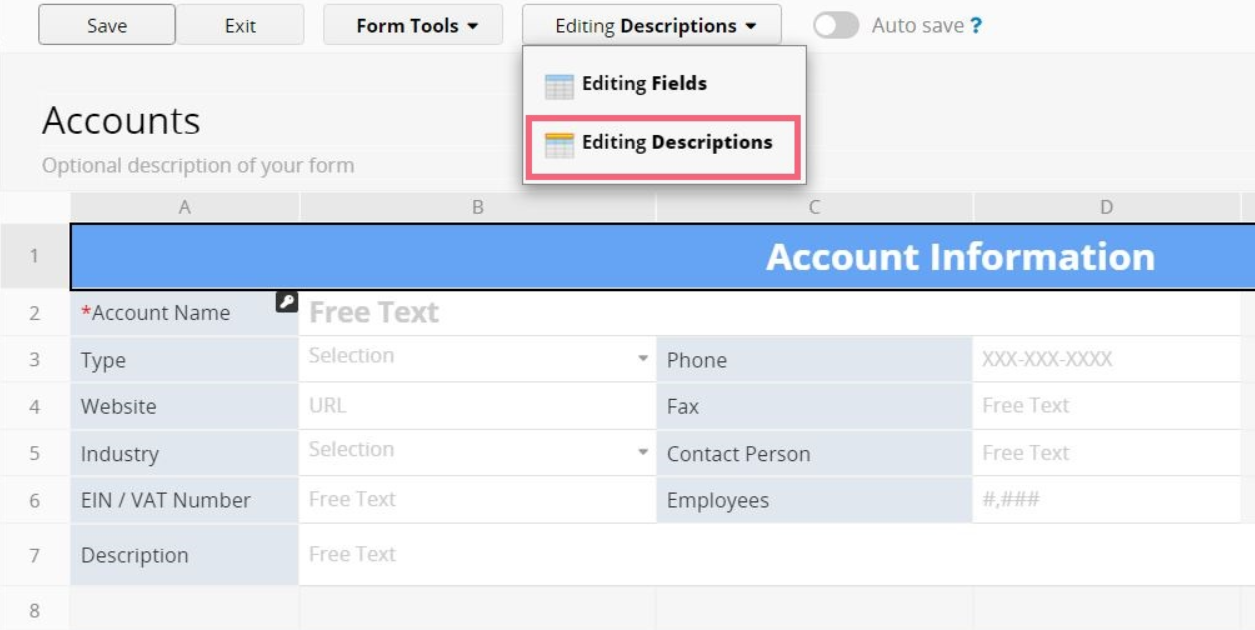
You can add Description Fields to your sheets to serve as labels or decorative elements. When you type in Design Mode, Ragic will create a regular field for storing data by default. To create a Description Field instead, click the Editing Fields button at the top, then select Editing Descriptions to switch modes. Any text you enter after that will become a Description Field.
This video demonstrates how to tune the layout of your sheets and tabs, as well as how to customize your database with branding elements such as your company logo, banner, and login page.
 Thank you for your valuable feedback!
