 Learning center
Learning center
Learning center
Formulas in Ragic work similarly to those used in other spreadsheet applications (such as Excel). However, in Ragic, we reference fields by their Field Headers. Formulas can be used to calculate not only numbers but also text strings and dates. Ragic will attempt to automatically determine the type of formula needed, but specifying the Field Type (for example, Number or Date) helps ensure accuracy.
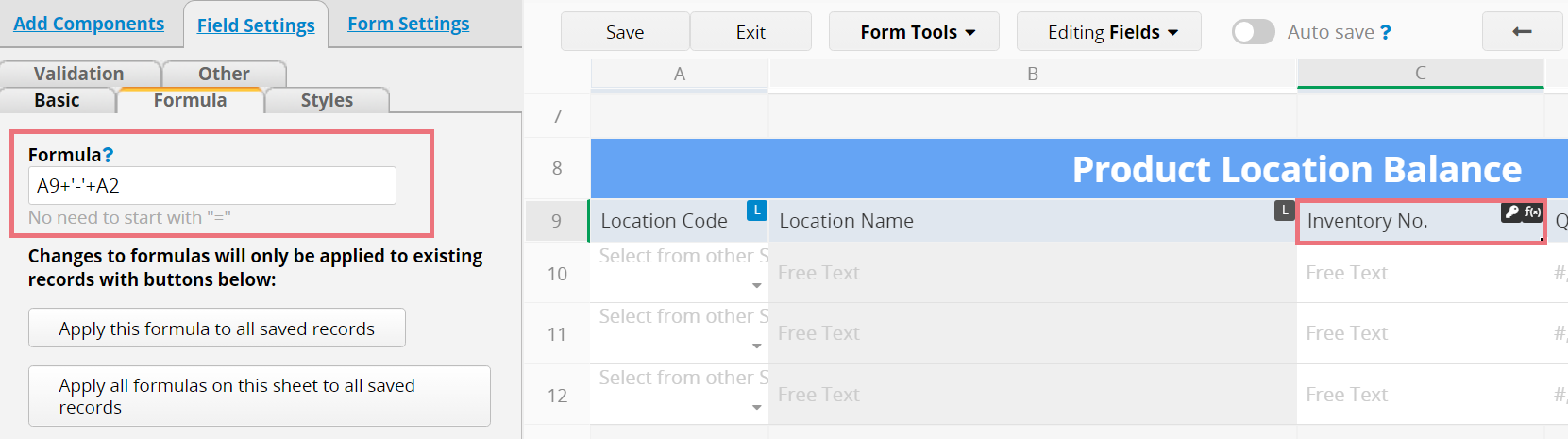
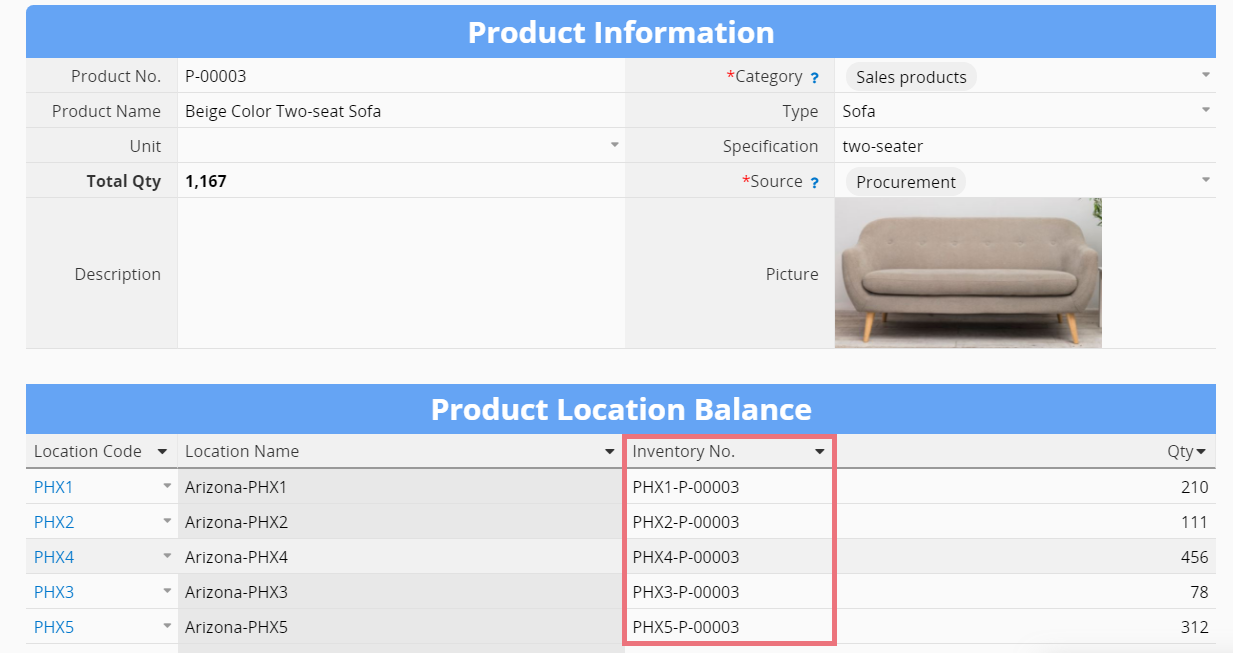
If "Inventory No." equals "Location Code-Product No.", you can assign the String Formula in "Inventory No." as A9+'-'+A2.
Result:
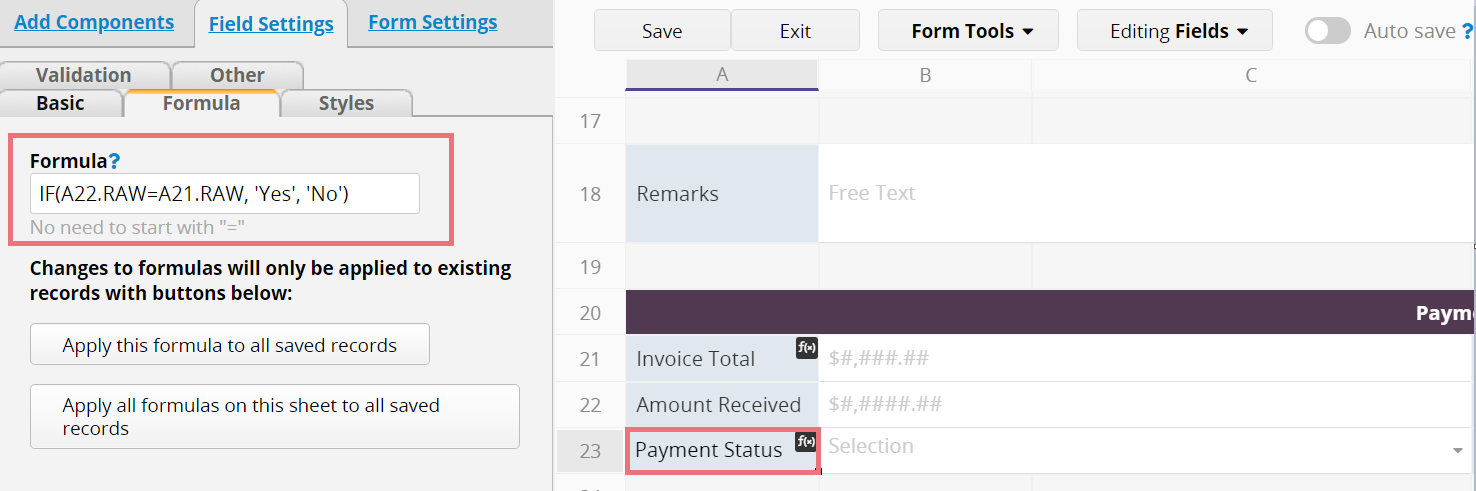
Ragic supports the use of Conditional Formulas. If you would like to make "Payment Status" automatically update its value as "Yes", when "Invoice Total" equals "Amount Received", otherwise update its value as "No". You may apply the Conditional Formula as IF(A22.RAW=A21.RAW, 'Yes', 'No')
Result:

 Thank you for your valuable feedback!
