 User guide
User guide
User guide
If you don't see the following features on the sheets, this may be related to your Feature Access Settings. Please contact your SYSAdmin to check whether the "Share this entry" permission is enabled.
You can share an entry through WhatsApp with users who do not have a Ragic account, allowing them to modify or view the entry. For example, you can share Sales Order entries with clients.
Navigate to the Form Page of the desired entry, click on Tools, and select Share this entry with WhatsApp.
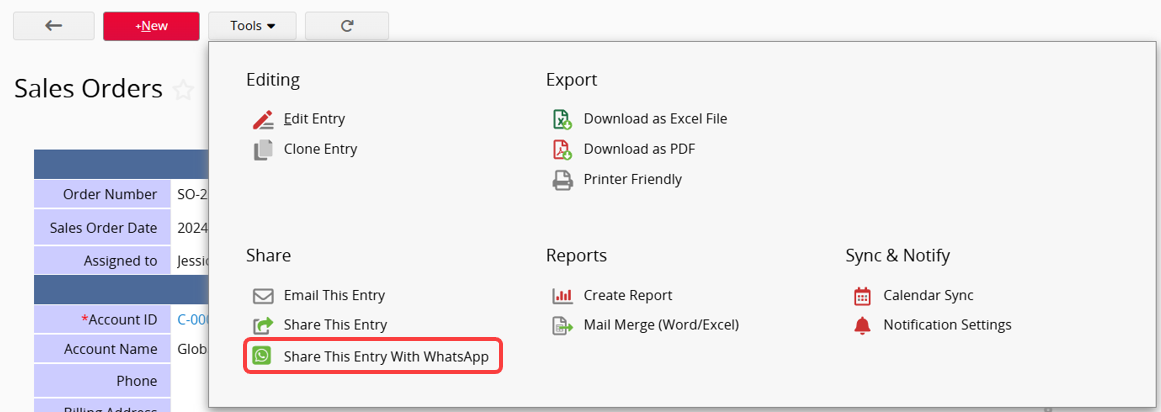
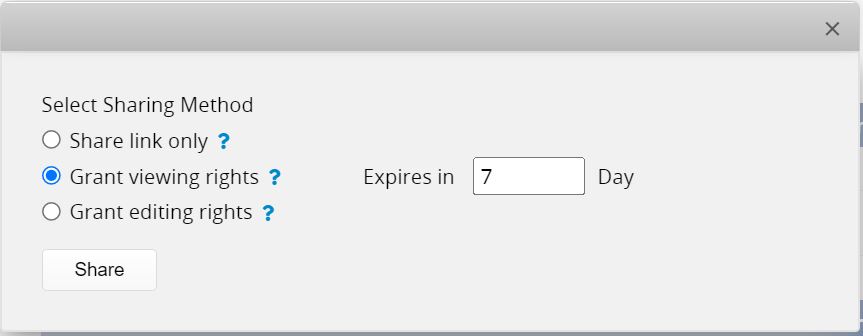
There are 3 sharing methods:
1. Share link only: Send the URL of the entry directly. The recipient must have the corresponding Access Rights to view or edit the entry
2. Grant viewing rights: Grant temporary Access Rights for the recipient to view this entry, but not modify it. The expiration time of the link can be set.
3. Grant editing rights: Grant temporary access rights for the recipient to view and edit this entry. The link’s expiration time can be set.
Note: Anyone with the "Editable" link can modify this entry, even if the "EVERYONE" group for the sheet has "No Rights".
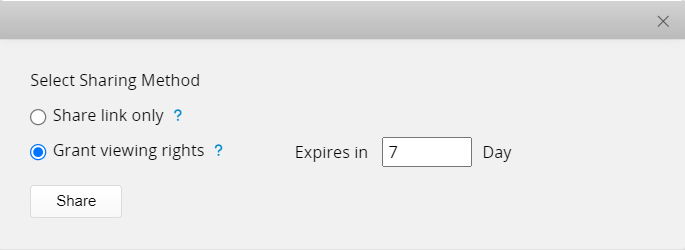
When a user does not have modify rights for a record, only the share link and Grant viewing rights methods are available.
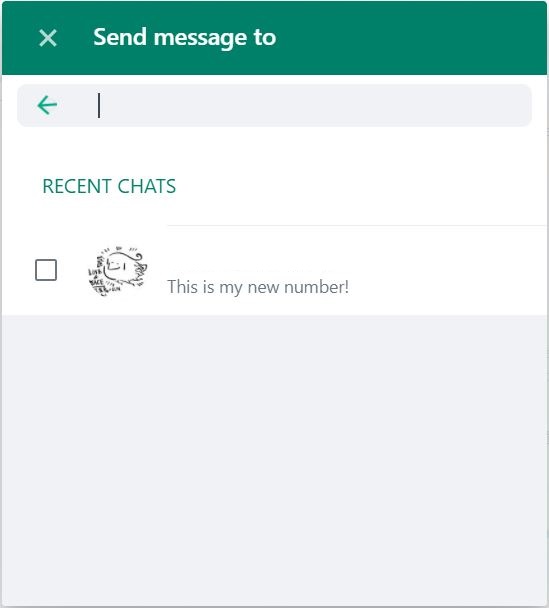
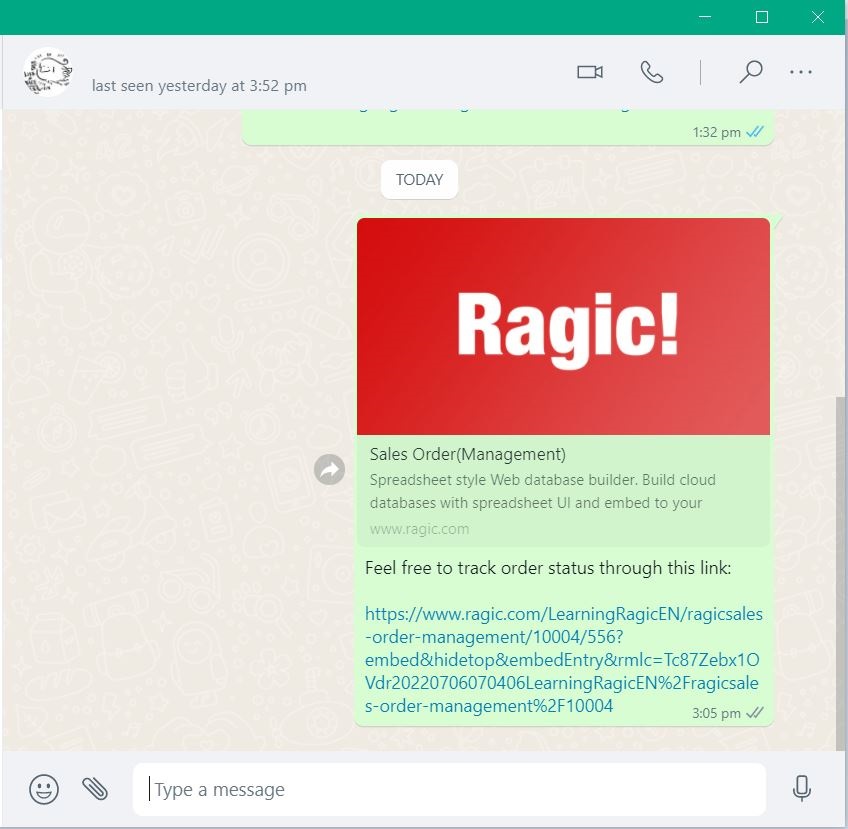
Select the receiver from your contact.
He/She will receive a link to the entry following your message.
 Thank you for your valuable feedback!
