 FAQ
FAQ
FAQ
FAQ
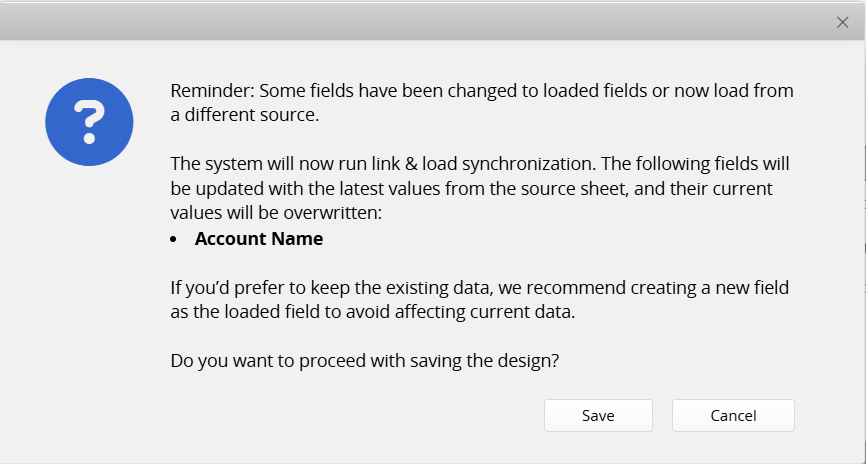
When you change the Loaded Field of a Link and Load setup on a sheet, the system automatically syncs and updates existing records with the new Loaded Field values.
For example, in Sheet A, Field A originally loads data from Field B in Sheet B. If you change the Loaded Field to Field C in Sheet B, the system will automatically update Field A in all existing records to reflect the values from Field C.
Therefore, before changing a Loaded Field, please confirm whether you need to keep the existing data. If you do not want the original values to be overwritten during synchronization, it is recommended to create a new field for loading the data instead, to avoid affecting existing records.
Notes: When the Linked Field in existing records has no value, the following situations may occur:
1. If the Linked Field has never been linked to any record, the corresponding Loaded Field value will be cleared after the Loaded Field is changed.
2. If the Linked Field has been selected but the referenced field value in the linked record is empty, the system will synchronize and update the Loaded Field using the newly selected Loaded field.
 Thank you for your valuable feedback!
