 Design guide
Design guide
Design guide
You can find the Report Center under the Report tab.
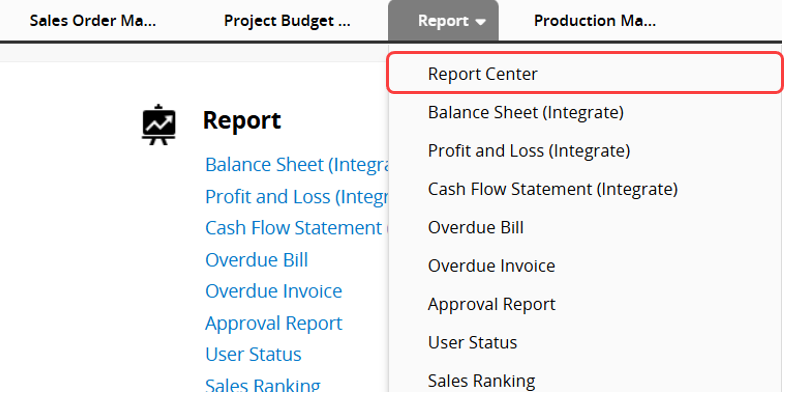
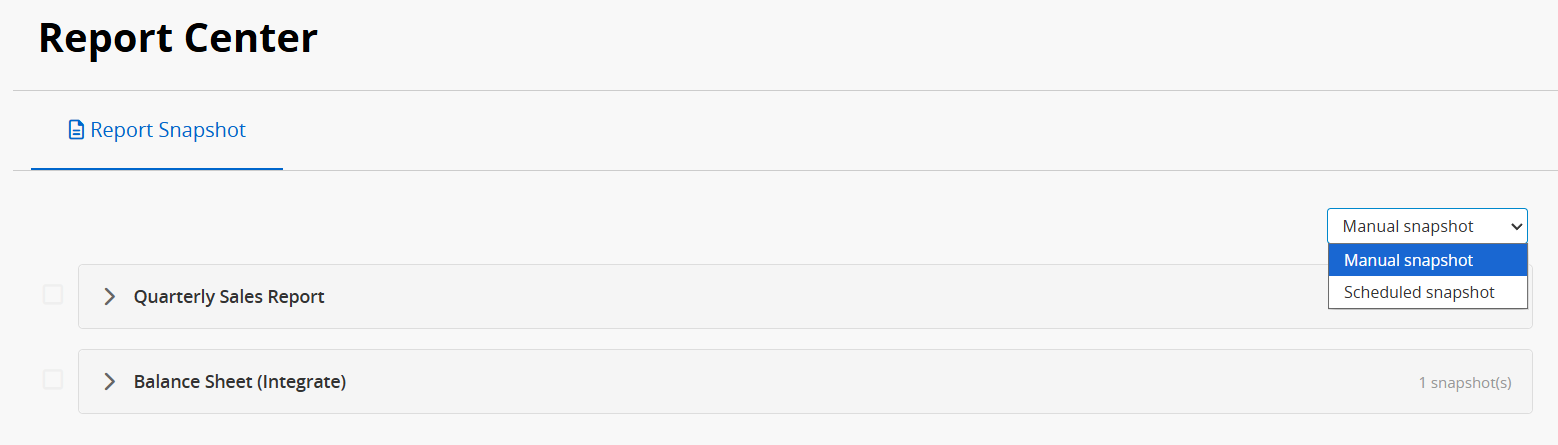
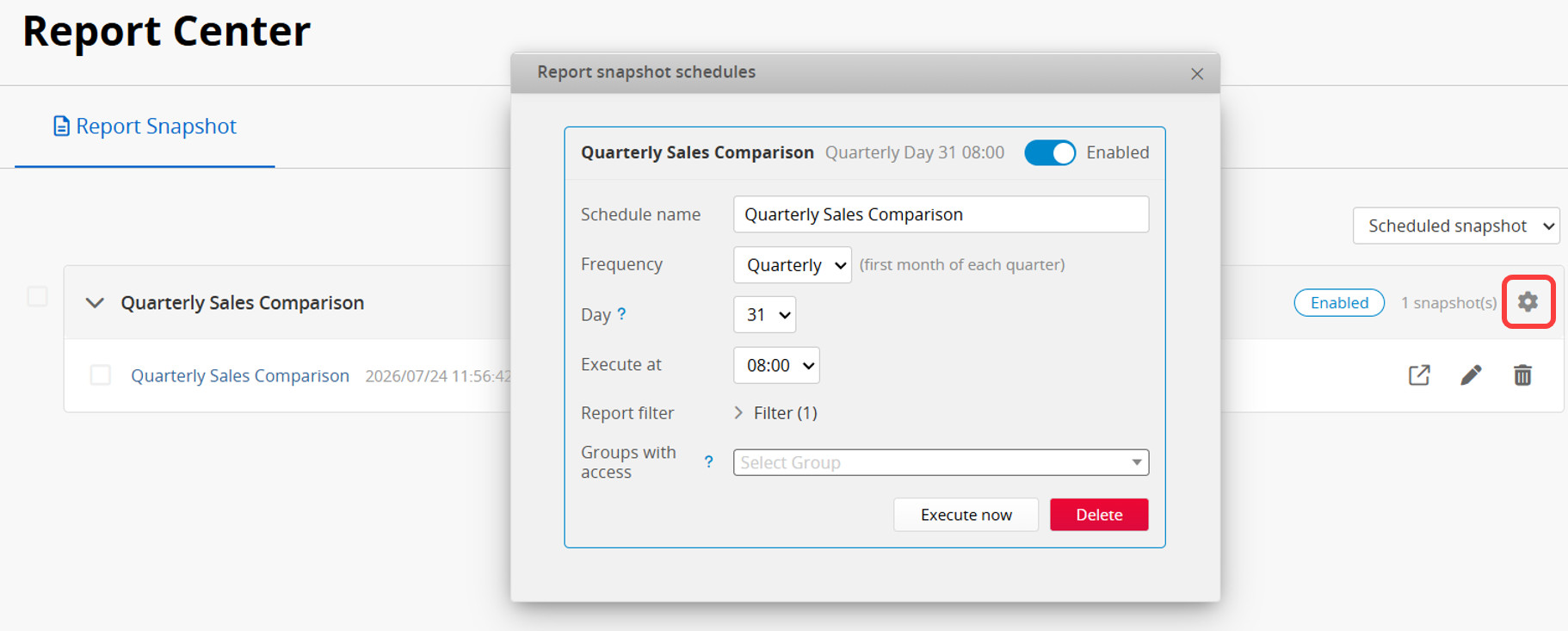
You can view scheduled report snapshots or manually saved editable report snapshots in the Report Center, where they are organized and displayed by report.
Note: Scheduled snapshots are visible based on the Groups with access setting configured in the schedule. Manually saved snapshots can only be viewed by the user who saved them.
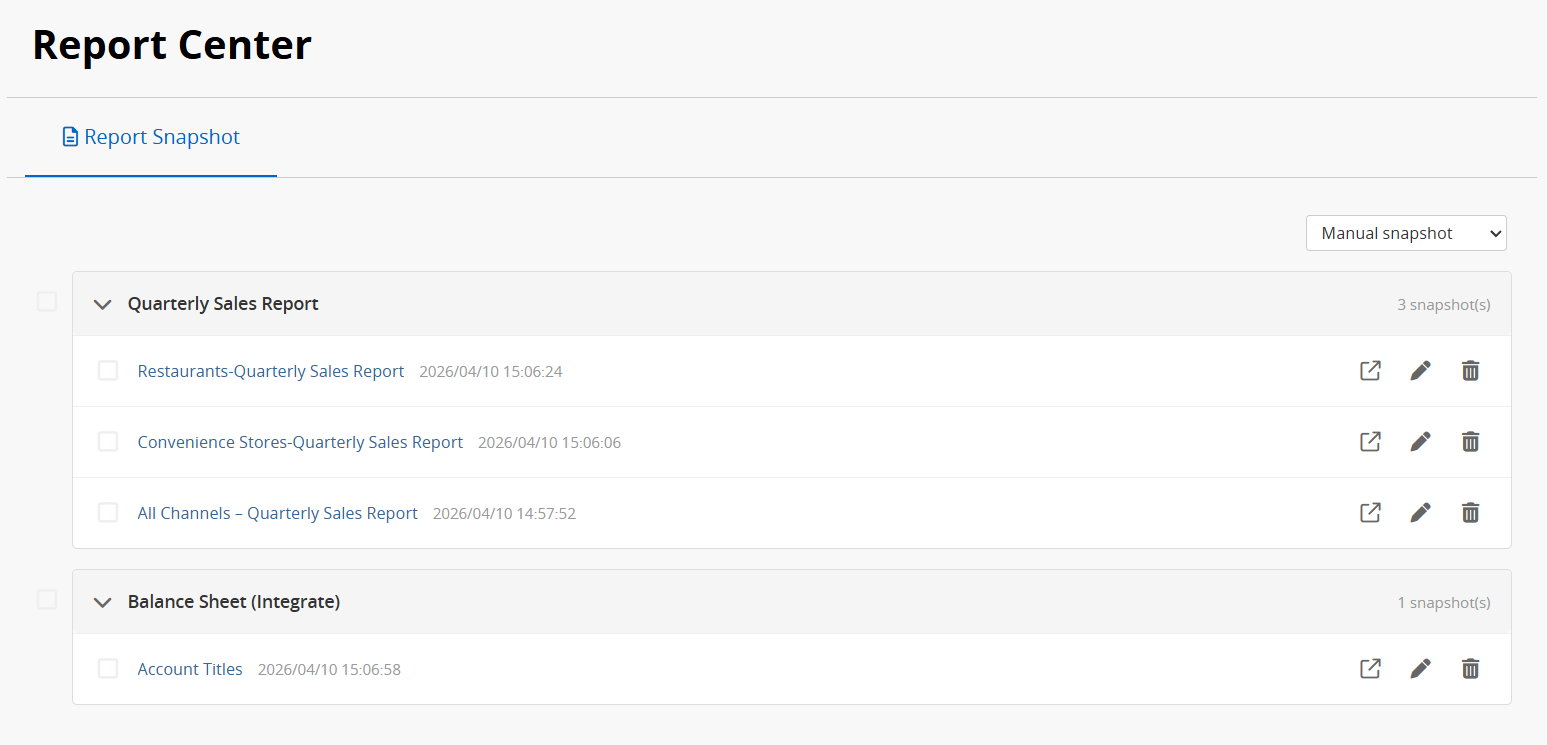
You can view snapshots, rename them, or delete them.
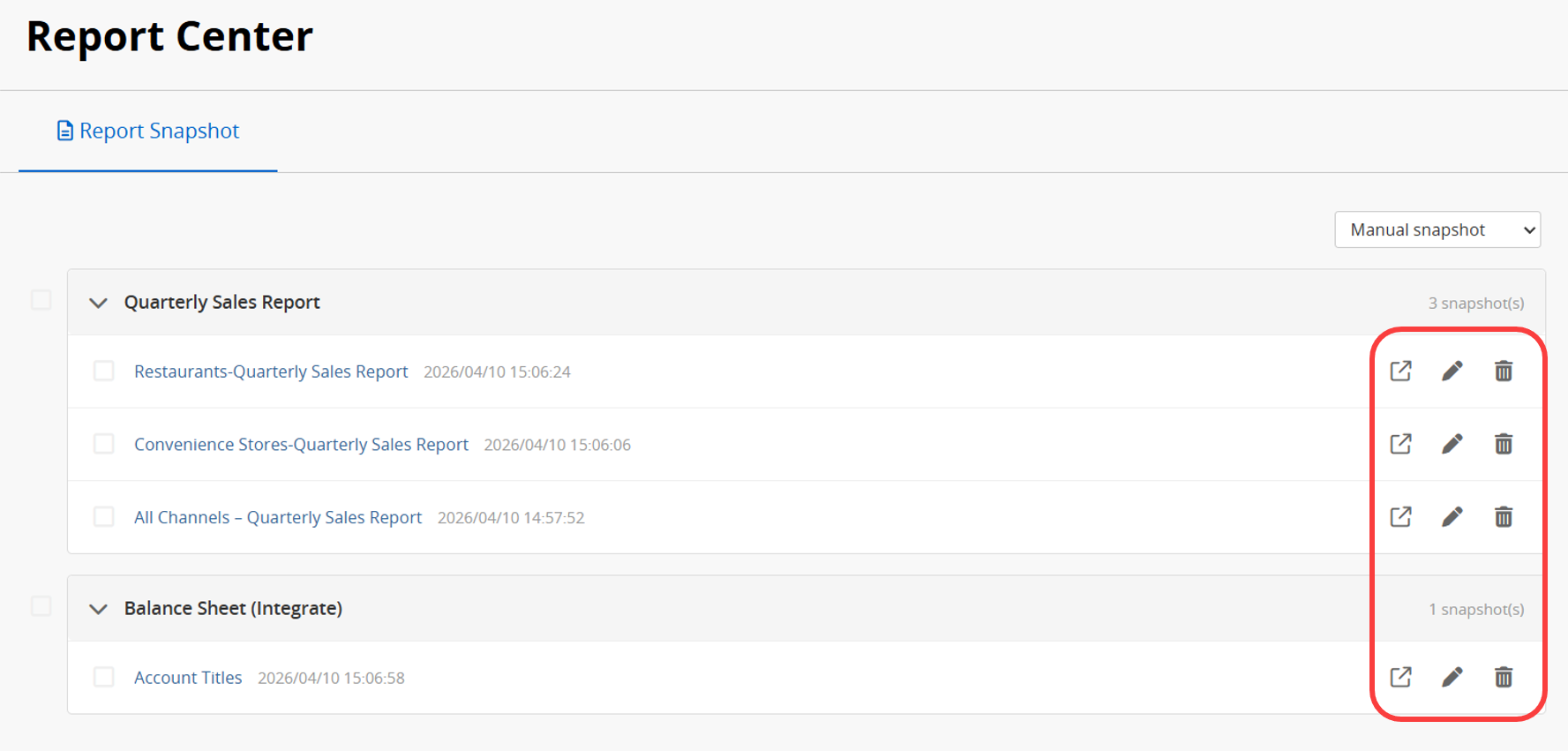
Scheduled snapshots can also be edited directly here to update the schedule settings.
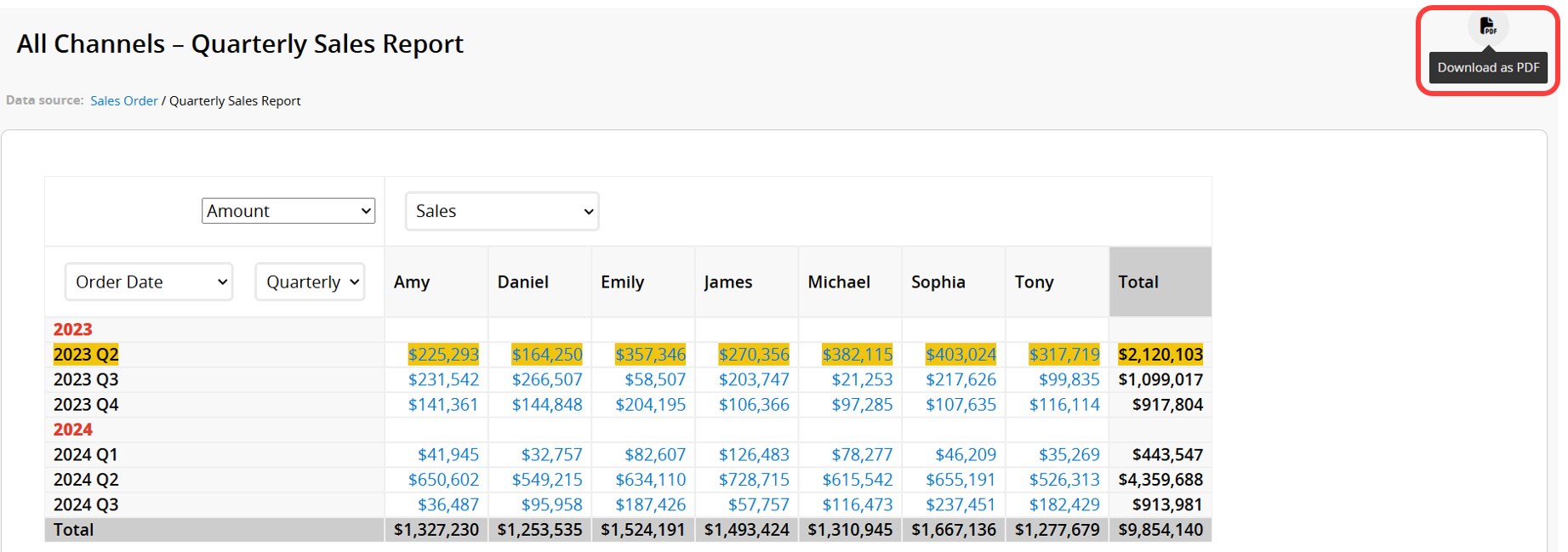
When viewing a snapshot, you can download it as a PDF, but it cannot be edited.
 Thank you for your valuable feedback!
